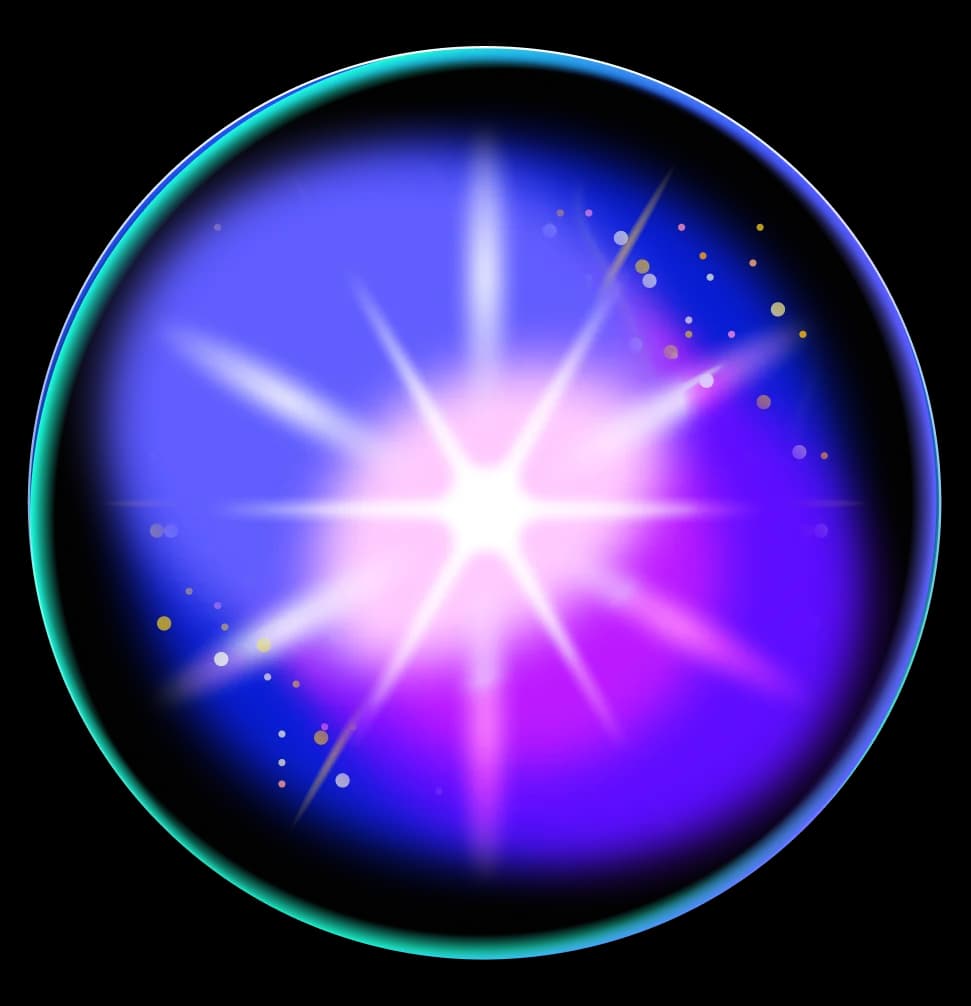
Gradient Sweep Button
AI Pass+button#transform
design.md
Preview
1280 px
AI Assistant

Grab the code for this component with a free account
Every free component’s full source, ready to copy or download, plus 30 monthly AI credits for Atheros AI routing to make it yours.
Code
Grab the code for this component with free account
Every free component's full source, ready to copy or download, plus 30 monthly AI credits for Atheros AI routing to make it yours.
Button component
About Gradient Sweep Button
A pill-shaped button whose fill wipes in from the left edge: an overlay layer scales from scaleX(0) to scaleX(1) on hover and on keyboard focus, while the trailing icon chip inverts to the accent colour.
Features
- A full-bleed
::beforeoverlay filled with--bgs-hoverscales fromscaleX(0)toscaleX(1)withtransform-origin: left center, wiping the surface colour in from the left edge (GPU-composited transform, no repaint) - Full keyboard parity —
:focus-visiblereproduces the identical wipe and icon inversion as:hover, so the button never has a keyboard-only dead state - The trailing icon chip inverts on hover/focus:
--bgs-inkfill becomes--bgs-accent, glyph becomes--color-on-primary - Active state deepens the wipe toward the accent (
color-mixof--bgs-hoverand--bgs-accent) and draws an inset hairline ring for tactile feedback - Two concentric rings behind the stage (
.bg-layer::before/.bg-layer::after) drawn from--bgs-line, framing the button - Respects
prefers-reduced-motion: reduce— all transitions and animations collapse to 0.01ms
Accessibility
- Button label
<button>carries anaria-labelmatching its visible text- Decorative icon
.bgs-btn__iconis markedaria-hidden="true"— the arrow adds no label text- Focus indicators
:focus-visibledraws a 2px--ringoutline at 2px offset- Focus parity
:focus-visibletriggers the same wipe and icon inversion as:hover, so keyboard users see the same affordance- Keyboard focus retention
- The click handler blurs only on pointer activation (
event.detail > 0);Enter/Spacekeep focus on the button - Reduced motion
prefers-reduced-motion: reducecollapses all transitions to 0.01ms
Customise it with AI
Open Gradient Sweep Button in Atheros AI Builder, pick a design system and ask the AI assistant to change the layout, copy or behaviour — the button is regenerated against your tokens. Take the HTML, CSS, JS and React source with you, or pull it into your repo from Claude Code, Cursor or Codex over MCP.
Explore Other Components
View all
Shine Button
ReactVanilla
A gradient button with a diagonal shine sweep animation that travels across the surface on hover, powered by GPU-composited `transform: translateX()` transitions — design-system agnostic.
#button#gradient#animation
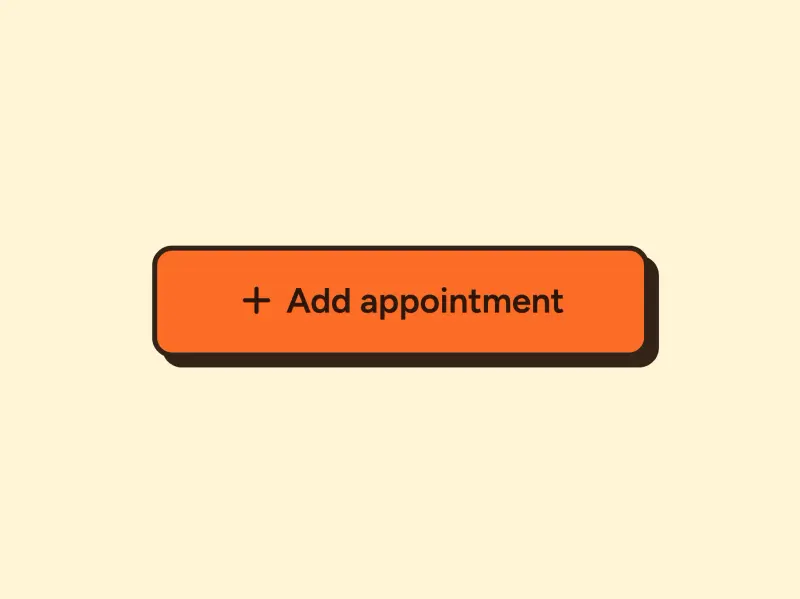
Ink Press Button
VanillaReact
A press button with a sharp-cornered accent fill, a 2px border, and a hard offset shadow that collapses as the button physically presses down into the page on click — powered by GPU-composited `transform: translate()` transitions.
#button#transform

Circle Expand Button
VanillaReact
A gradient accent circle with a contrasting chevron arrow that expands into a full pill on hover, sweeping under the label — a faithful port of the original circle-expand button, animated with GPU-friendly `clip-path` + `transform: scaleX()` instead of a width transition.
#button#gradient#transform
Flip Button
VanillaReact
A 3D card-flip button that rotates on hover to reveal a confirmation state using CSS perspective and `rotateY(180deg)` transform — fully design-system agnostic.
#button#3d#transform
Spark Button
VanillaReact
An outlined button with a gradient border that sweeps diagonally from corner to corner on hover using a single clip-path transition and glow box-shadow — pure CSS, no JavaScript required for the effect.
#button#gradient#clip-path
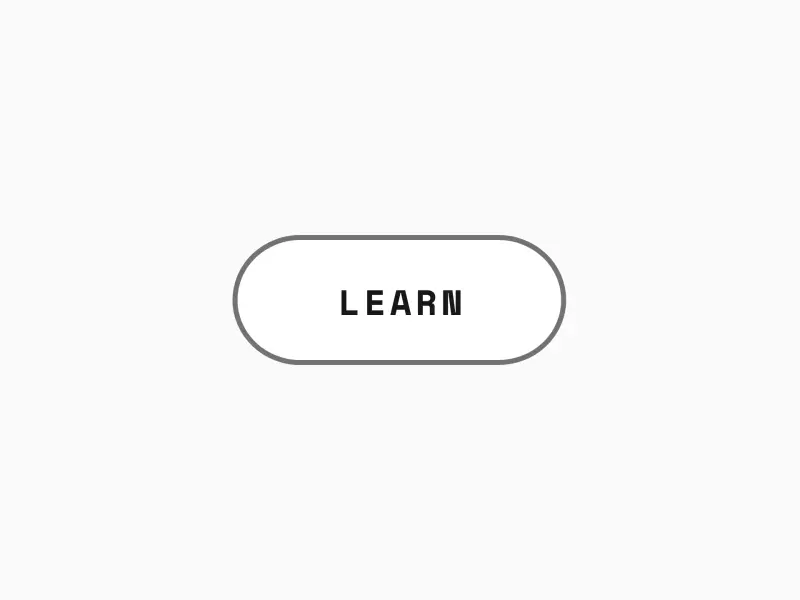
Border Draw Button
VanillaReact
A minimal uppercase text button whose accent outline grows from zero at the top-left corner on hover, changing from a muted idle border to an accent border at a consistent weight.
#button#border#outline
Ready to build?
300+ production-ready components and Atheros AI models. Every paid plan includes access to the whole Atheros — AI Builder and Learning.
Starting at $9.9 per month, billed annually